For general questions, use the #help channel on Discord. Other players may answer there as well.
If you prefer to speak with the team, open a ticket 🎟️ . A staff member will assist you.
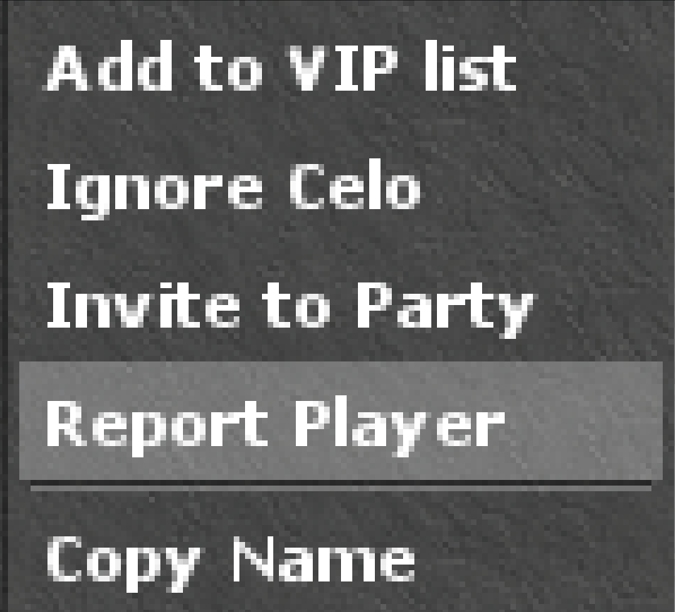
Report a player
Hold Ctrl and right-click the player, then choose Report Player.
Other reports
For any other report, press Ctrl+R in the client and describe what happened. The report saves the coordinates of the place where you sent it.
Please keep reports genuine
We ask that every report be genuine, and sent only when there is a real matter for the team to review. A false report, or the same report sent repeatedly, may result in a temporary ban. Thank you for helping us look after Outrora.